





KanbanBot task board for web, teams, and Telegram
Your Online Task Board - Track Work, Projects & To-Dos
A free digital task board for teams and personal use. Create tasks with AI, organise project work, and keep every to-do moving in your browser or inside Telegram.
A Digital Task Board Always Within Reach
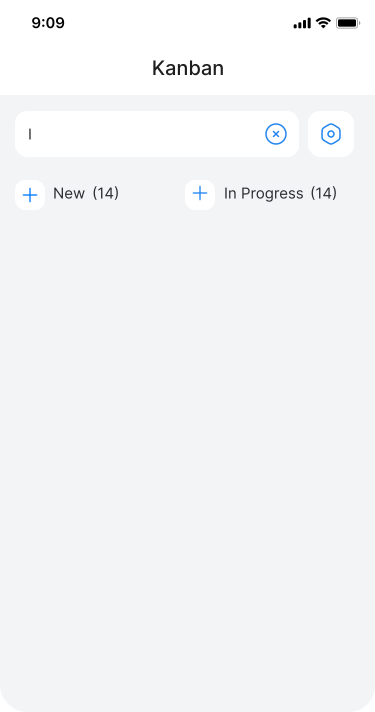
Stop switching between tabs and installing heavy apps. KanbanBot gives you a fully functional task board online that works everywhere - use the web app on any device or stay connected right inside Telegram. It's your task management board, task tracking board and personal task board in one place, ready in seconds. No separate passwords, no extra notifications.

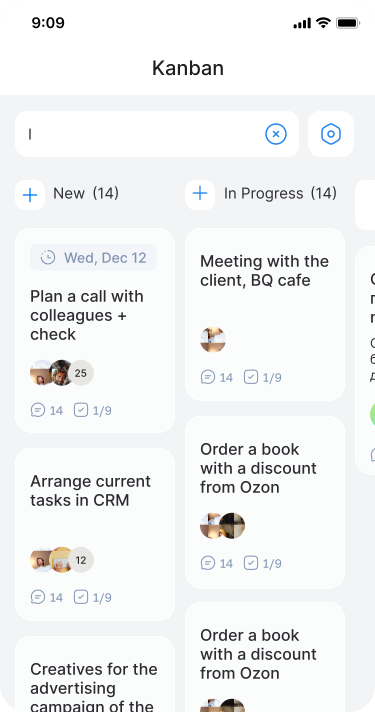
One visual task board for work, plans, and everyday routines.
Designed for Projects, Personal To-Dos, and Team Work

Project Management Task Board
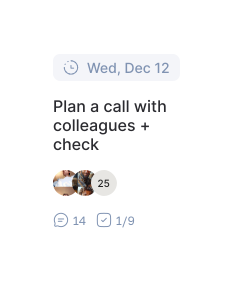
Organise team workflows, set deadlines, assign owners. KanbanBot is a full-featured project task board that keeps every project management task visible without complexity.

Your Personal Task Board & To-Do List
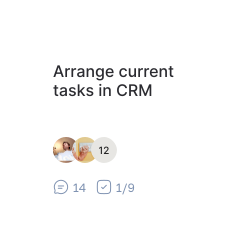
Bring order to everyday life with a visual task to do list. Break big goals into small steps, plan shopping or a vacation, and turn every to do list task into clear progress.
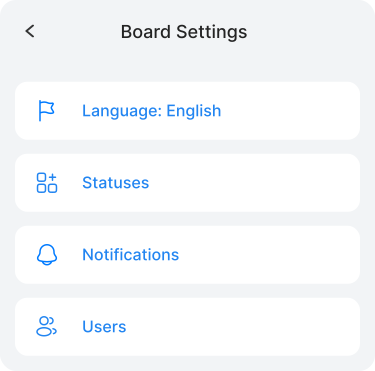
A Work Task Board for Collaboration
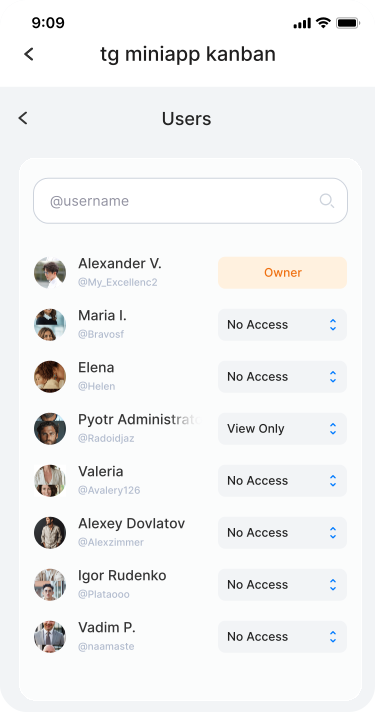
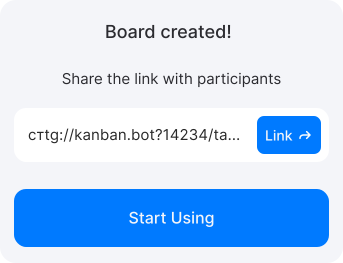
Invite teammates or friends with a single link. Update tasks, leave comments, and track progress together on a shared task tracking board - whether you're on the web or chatting in Telegram.

What Your Online Task Board Can Do
AI Assistant
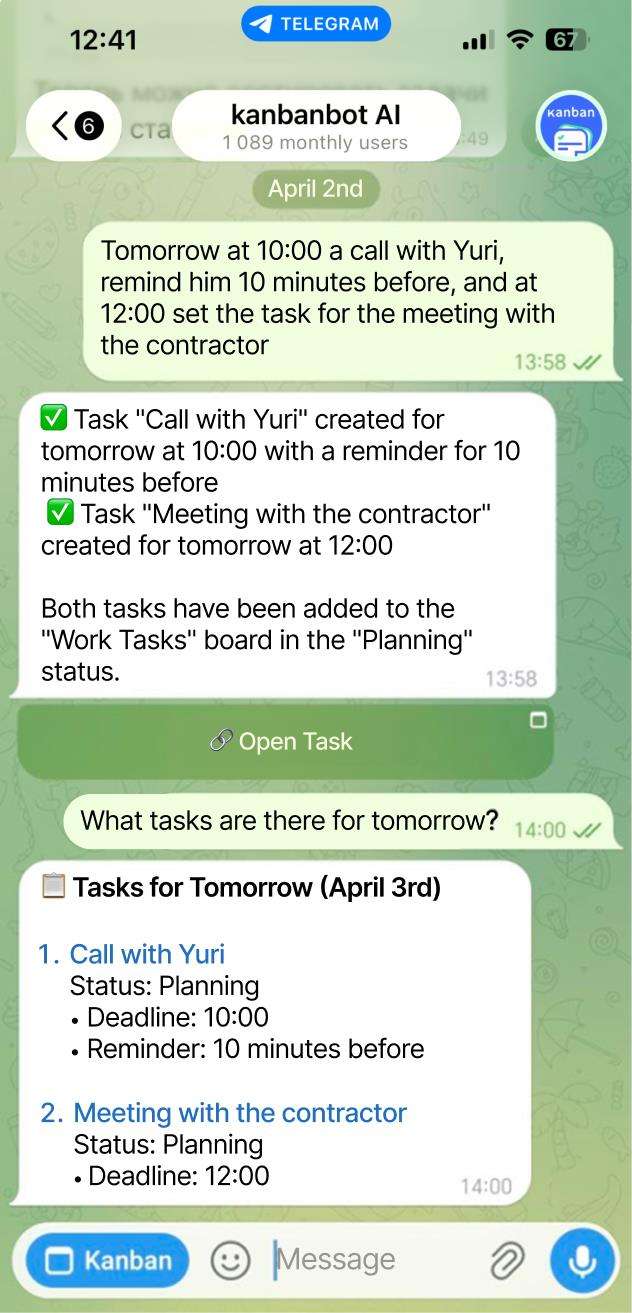
Create task board cards and entire boards with a simple prompt. Let AI handle the structure.
Voice Input
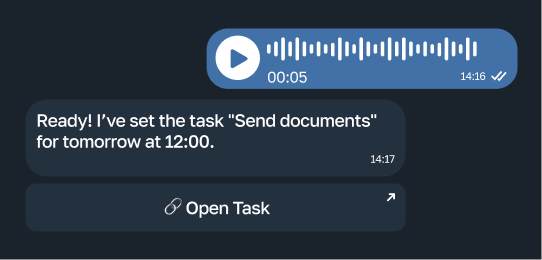
Add a task hands-free. Just speak - your task board online captures it instantly through Telegram.
Real-Time Sync
Switch between web and Telegram without losing a single update. Your digital task board stays perfectly in sync.
Unlimited Boards
Run as many boards as you need - for work, side projects, or daily routines. Keep your online task board free from clutter.
Start with a Free Task Board - Upgrade When You Grow
The core features for personal use and small teams are completely free. No credit card required. Create your task board online now and see how smooth task management can be.
Free
0
/mo
- Unlimited boards
- Unlimited users
- Assignees and deadlines
- AI assistant
Premium
150
/mo
- Task tags
- Permissions management
- Files in tasks and comments
- Android/iOS integration Soon
- External service integrations
- Team management
- Automation Soon
- Reports Soon
Team
644
/mo
- Automation and workflows Soon
- Reports Soon
- Event log Soon
- Task templates Soon
Trusted by 1 000+ Users Managing Tasks in KanbanBot
Real teams and personal users rely on KanbanBot as a simple online task board for daily planning and project work.

1 000+ users managing tasks
Your digital task board, free of unnecessary friction. Join thousands who manage work and life with KanbanBot.





Online Task Board FAQ
Quick answers about using KanbanBot as a free task board online for teams, projects, and personal tasks.
An online task board is a visual workspace that helps you organize tasks into columns, track progress, set owners, and collaborate from any device.
KanbanBot adds web access, Telegram access, real-time sync, AI task creation, and unlimited boards so teams and personal users can manage work without a heavy project management suite.
A to-do list is usually a simple list of items. A task board adds statuses, owners, comments, deadlines, and visual progress so every task can move through a workflow.
You can still use KanbanBot as a task to do list for daily planning, shopping, travel, or personal goals, while keeping enough structure for larger projects.
Yes, KanbanBot includes free core features for personal use and small teams. You can create an online task board without a credit card.
Paid plans are available when you need more control, team capabilities, permissions, and advanced project management features.
A work task board gives everyone one shared place for active tasks, statuses, owners, comments, and deadlines. That improves coordination and prevents duplicated work.
To bring the whole team in, share access to the board. The bot does not require separate registration, and all updates stay synchronized between the web app and Telegram.
KanbanBot launches inside Telegram as a mini app and does not require installation on the device. The board opens by command or button, so you land immediately in a familiar task board interface inside the chat.
All functionality is also available through the web app. You can manage tasks from a desktop, phone, or tablet and always see the latest status.
Create a board for a department, client, sprint, or project. You can use columns such as To Do, In Progress, Review, and Done, then add cards for every project task.
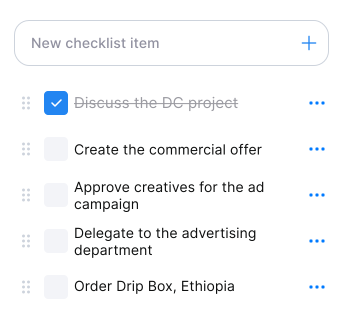
Board setup is flexible: define the columns that match your workflow, assign responsible people, add deadlines, and use comments or checklists to keep execution clear.
A task tracking board gives full transparency into execution. Managers and team members can see what is done, what is in progress, what is waiting, who owns each task, and when it is due.
Built-in search, reminders, comments, and assignees make it easier to manage many tasks even when several projects run in parallel.
A task management board shows where work slows down. If cards stay in one column for too long, the team can spot bottlenecks, rebalance work, or review the process.
Regular analysis of task data helps teams improve planning, reduce unfinished work, and keep projects moving with less friction.
Yes, you can start using KanbanBot completely free. The service offers a free plan with no time limit that includes all core task board features.
If you need more capabilities, there is also a trial period that lets you evaluate additional features before moving to a paid plan.