





Project boards for teams in New Zealand
Your Online Project Board for Planning & Project Management
A digital project board for teams in New Zealand that need project planning, task ownership, status tracking, and a simple visual board that works on web and Telegram.
A Digital Project Board for New Zealand Project Workflows
Stop jumping between tabs and heavyweight project tools. KanbanBot gives you a practical online project board for the web and Telegram. It is your project management board, project display board and project planning workspace in one place, ready in seconds.

One visual project board for planning, delivery, and everyday project work.
Designed for Project Planning, Management, and Team Delivery

Project Management Board
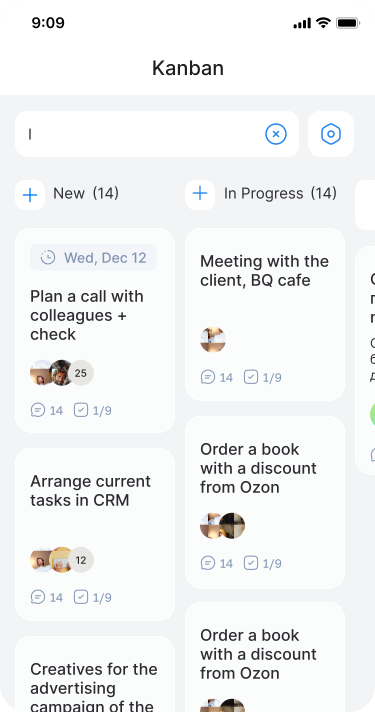
Organise project workflows, set deadlines, assign owners, and keep every milestone visible. KanbanBot is a full-featured project management board for teams that need clarity without complexity.

Kanban Board for Project Management
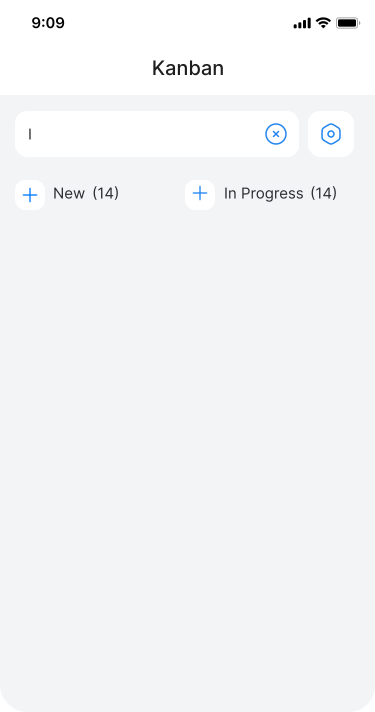
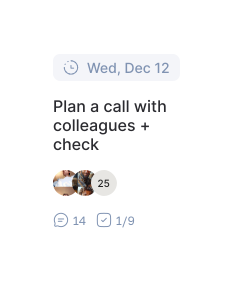
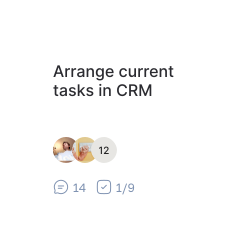
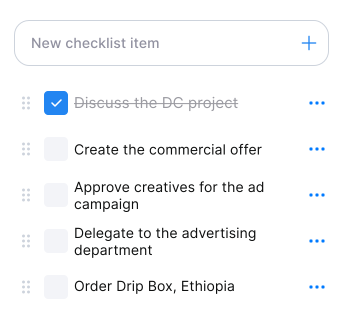
Run project management kanban with clear columns, owners, comments, deadlines, and checklists. Move project work from idea to done while keeping the whole team aligned.
Project Planning Boards for Teams
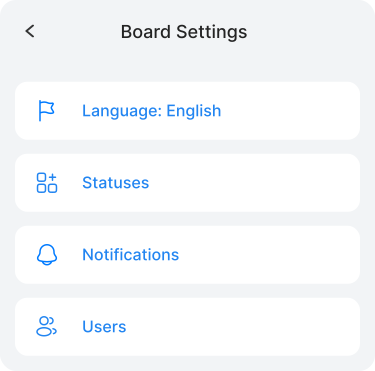
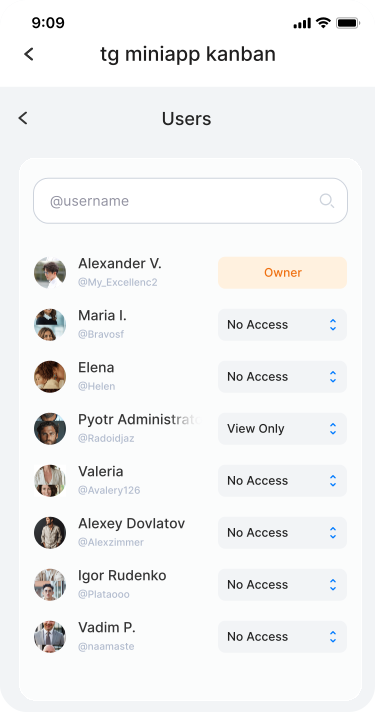
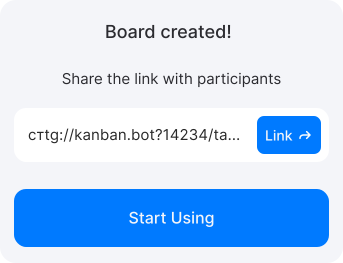
Create project planning boards for departments, clients, sprints, or internal processes. Share a single link, update cards together, and keep every board project task visible on web and Telegram.

What Your Online Project Board Can Do
AI Assistant
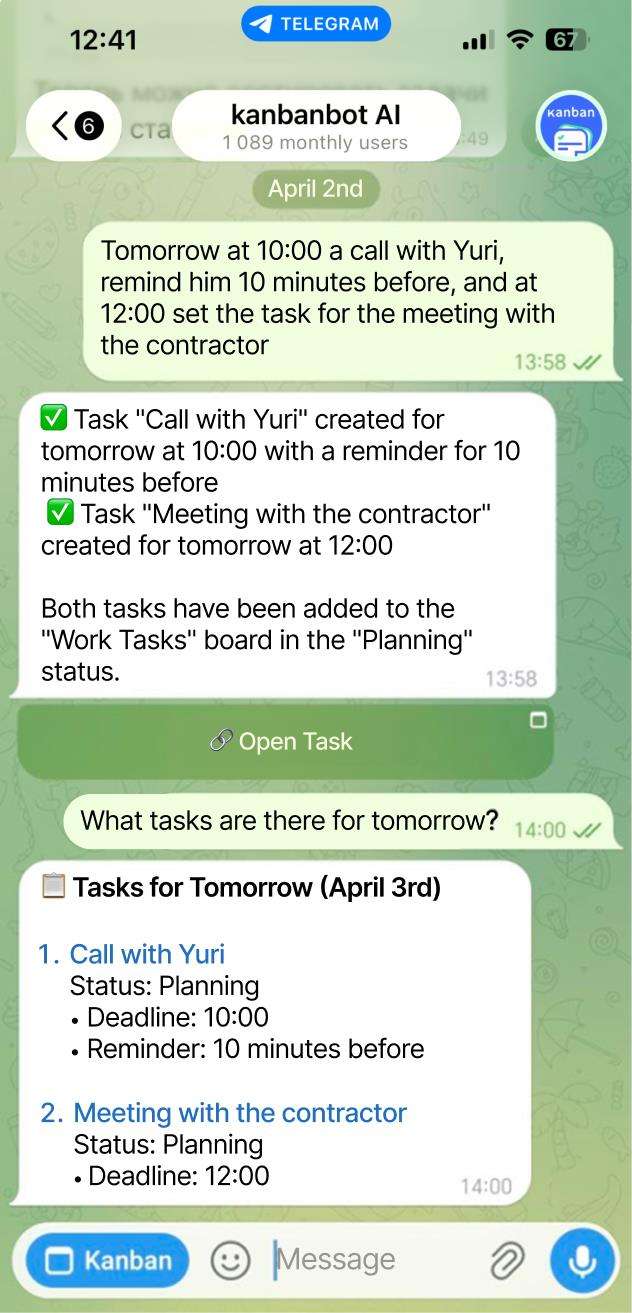
Create project board cards, milestones, and entire boards with a simple prompt. Let AI shape the structure while you focus on delivery.
Voice Input
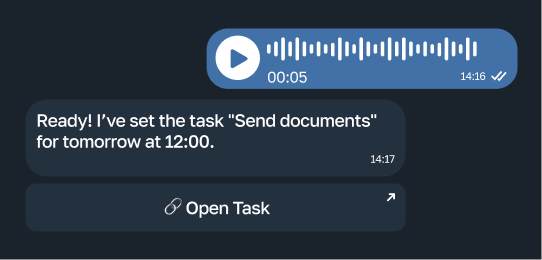
Add project work hands-free through Telegram. Speak once and your online project board captures it immediately.
Real-Time Sync
Move between web and Telegram without losing updates. Your digital project board stays in sync for every participant.
Unlimited Boards
Run as many boards as you need for clients, departments, launches, or internal workflows. Keep every project board free from clutter.
Start with a Free Project Board - Upgrade When Your Projects Grow
Core features for personal use and small teams are free. No credit card required. Create your online project board and see how smooth project management can feel.
Free
0
/mo
- Unlimited boards
- Unlimited users
- Assignees and deadlines
- AI assistant
Premium
150
/mo
- Task tags
- Permissions management
- Files in tasks and comments
- Android/iOS integration Soon
- External service integrations
- Team management
- Automation Soon
- Reports Soon
Team
644
/mo
- Automation and workflows Soon
- Reports Soon
- Event log Soon
- Task templates Soon
Trusted by 1,000+ Users Managing Projects with KanbanBot
Teams rely on KanbanBot as a simple online project board for planning, tracking, and delivering project work.

1 000+ users managing tasks
Create a project management board that keeps plans, owners, statuses, and deadlines visible.





Project Board FAQ for Users in New Zealand
Answers about using KanbanBot as an online project board for project management, planning boards, and tracking in New Zealand.
An online project board is a digital workspace for planning projects, tracking tasks, assigning owners, managing deadlines, and keeping team progress visible from any connected device.
KanbanBot adds web access, Telegram access, real-time sync, AI task creation, comments, checklists, and unlimited boards so teams can manage projects without a heavy project management suite.
A project management board gives teams one shared place for project tasks, statuses, comments, deadlines, owners, and priorities.
This makes planning clearer, reduces duplicated work, and helps managers see where delivery is moving smoothly or where a project needs attention.
Yes. KanbanBot works as a kanban board for project management with columns, cards, owners, deadlines, comments, checklists, and real-time sync.
Teams can use project management kanban to move work through stages such as To Do, In Progress, Review, and Done.
Project management kanban is a visual way to manage project work by moving cards through workflow stages. It helps teams understand what is planned, what is active, and what is complete.
KanbanBot brings that workflow online, with web access, Telegram access, comments, owners, deadlines, and AI-assisted project task creation.
Yes. You can create project planning boards for clients, departments, product launches, internal processes, or personal projects.
Each board project setup can have its own columns, participants, task cards, deadlines, comments, and checklists.
Yes, KanbanBot includes free core digital project board features for personal use and small teams. You can create an online project board without a credit card.
Paid plans are available when you need more control, team capabilities, permissions, and advanced project management features.
KanbanBot is web software, not hardware, but it can work as a project display board or board for projector presentations when you open the web app on a shared screen.
This is useful for meetings, planning sessions, standups, reviews, and any moment when the team needs to see the same project board together.